VIFLY Drone Strobe Light Anti Collision Light
104 orders (reference)
Description
VIFLY Drone Strobe Light Anti Collision Light High-concerned chemical: None Is Electric: No Battery Is it battery/power supply: N Is it charger/adapter: N Is Batteries Included: No Model Number: Strobe For Vehicle Type: Helicopters Tool Supplies: other
Specifications
| Attribute | Value |
|---|---|
| High-concerned chemical | None |
| Is Electric | No Battery |
| Is it battery/power supply | N |
| Is it charger/adapter | N |
| Is Batteries Included | No |
| Model Number | Strobe |
| For Vehicle Type | Helicopters |
| Tool Supplies | other |
| Four-wheel Drive Attributes | other |
| Remote Control Peripherals/Devices | other |
| Upgrade Parts/Accessories | other |
| RC Parts & Accs | other |
| Material | Composite Material |
| Origin | Mainland China |
| Recommend Age | 14+y |
| Use | Vehicles & Remote Control Toys |
Product Details

3+ Miles Visibility
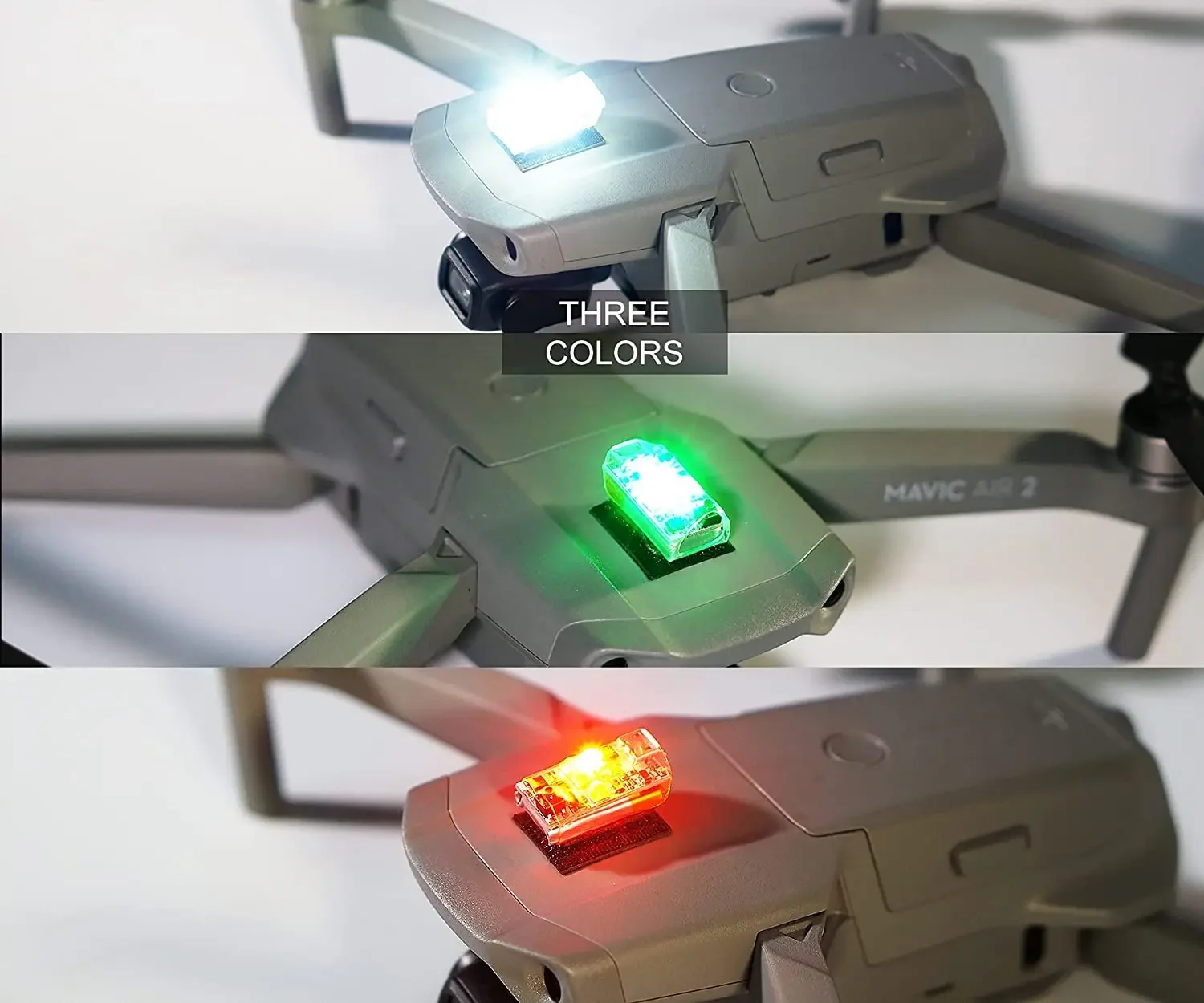
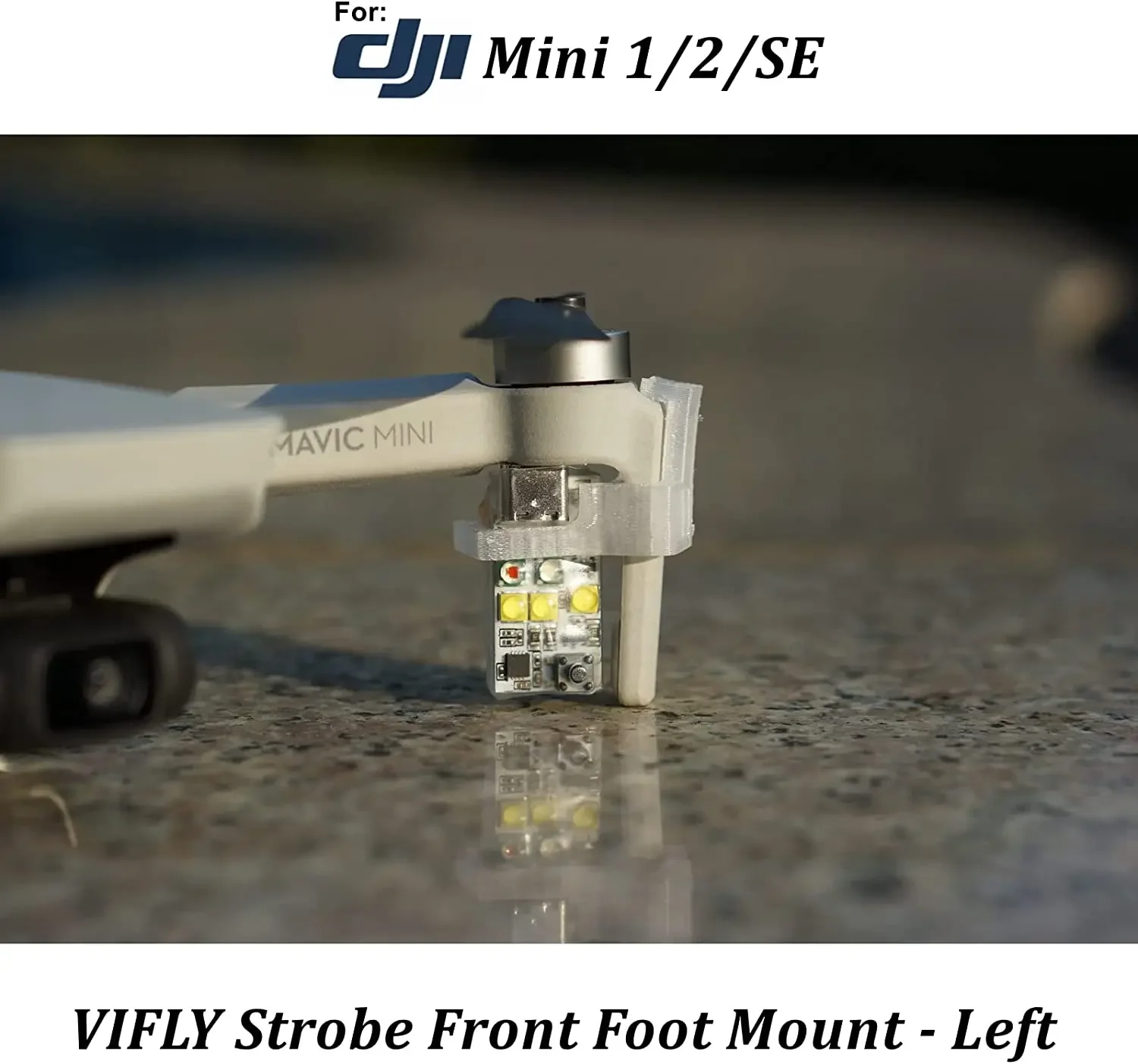
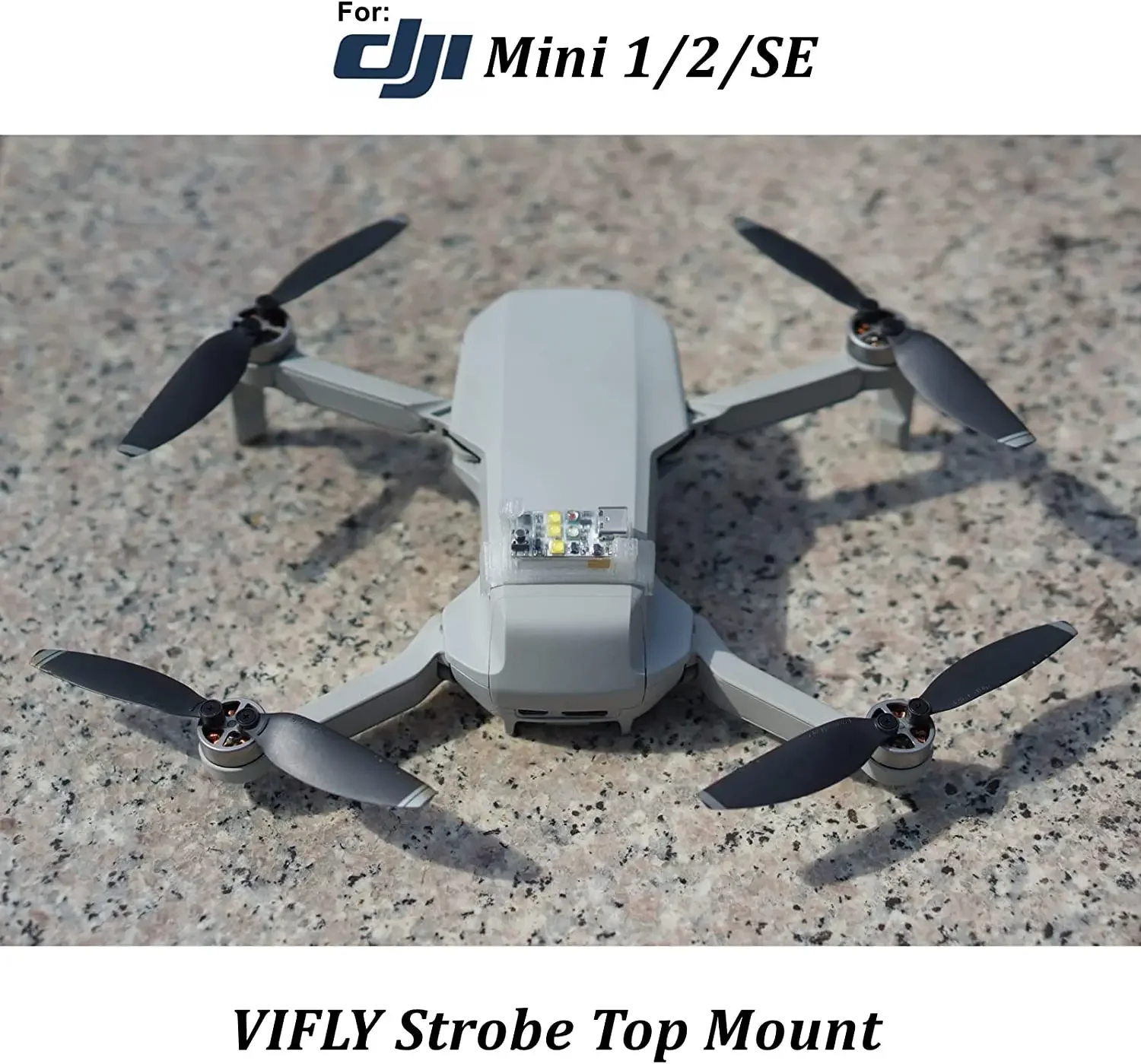
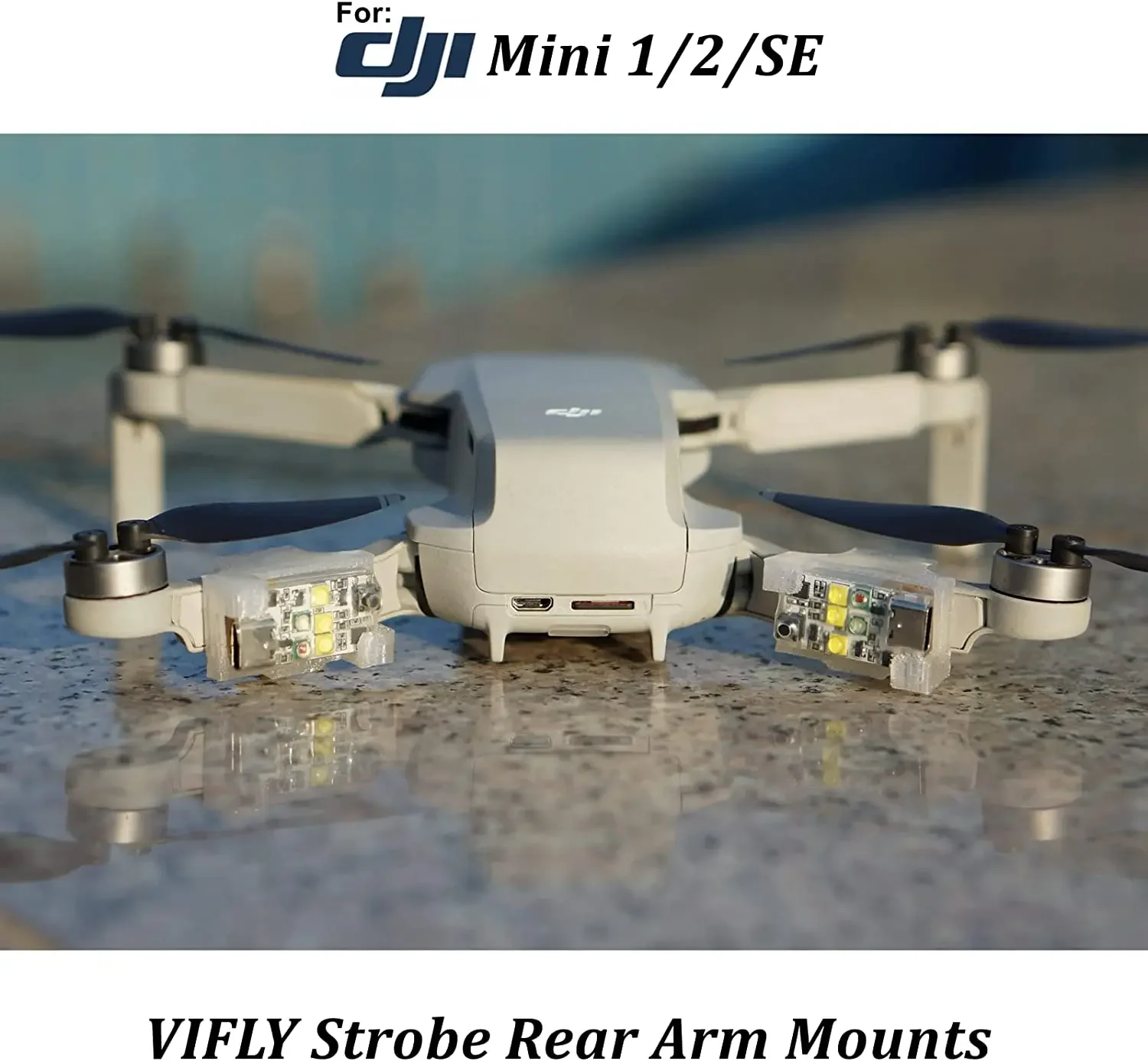
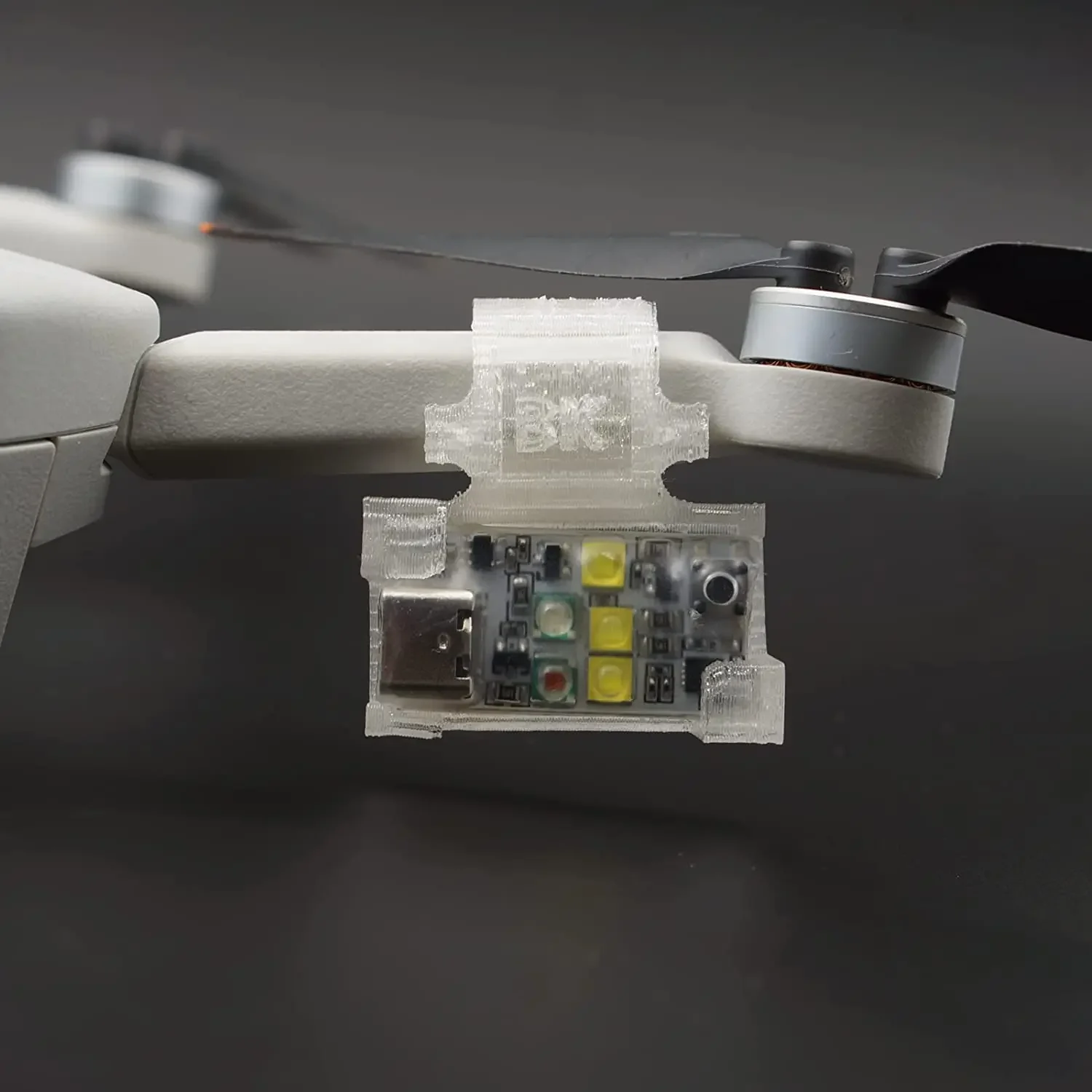
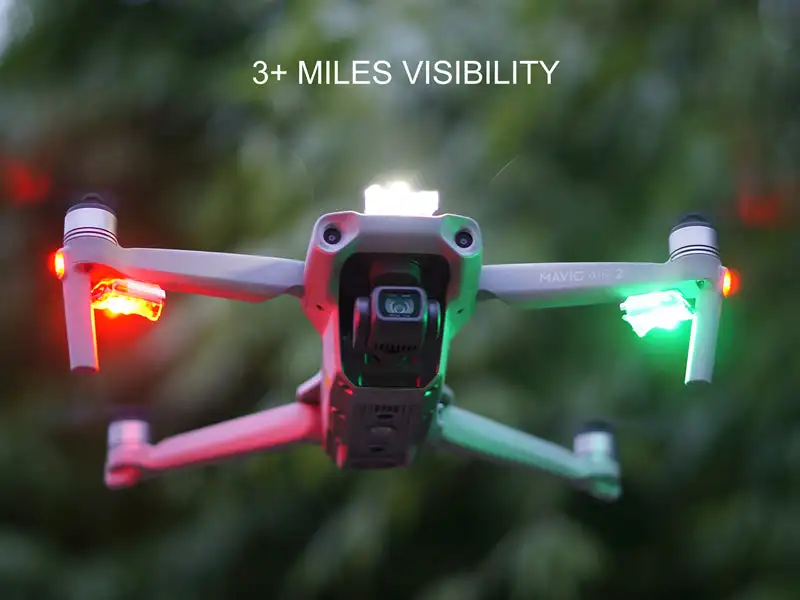
VIFLY Strobe installs 5*3W Hi-intensity LEDs, three white LEDs, one red LED and one green LED. It can be easily seen at night from 3 miles away that meets the FAA night flying rules.
3 Colors
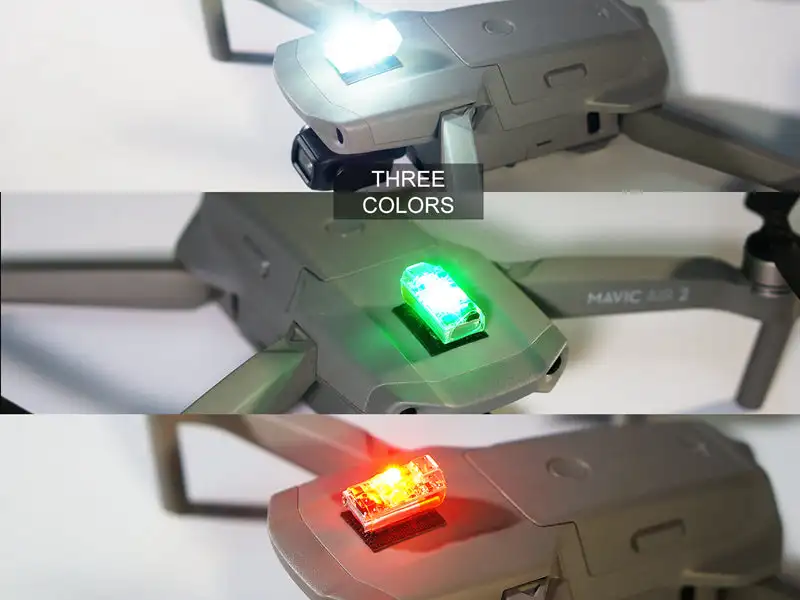
Three LEDs to flash white light, one LED to flash red and one LED to flash green. White LEDs are the brightest that can be used as the anti-collision light, the red and green LED can work as indication light.
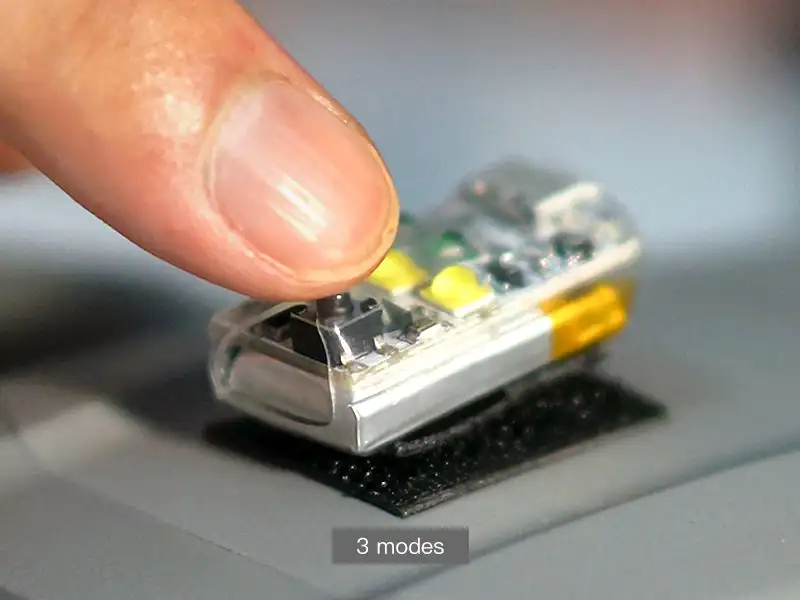
3 Modes
There are 3 modes for each color, slow flash, quick flash and constant on. You can easily switch the modes via the button on VIFLY drone strobe light.
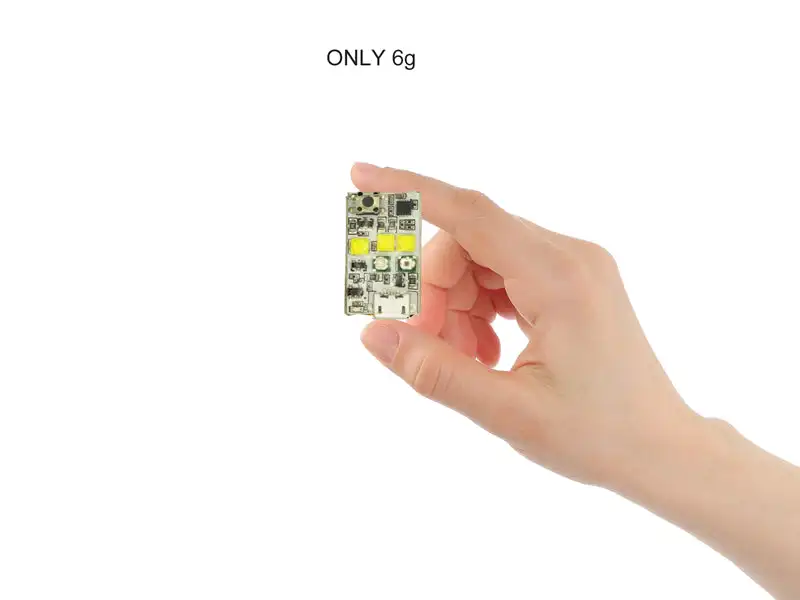
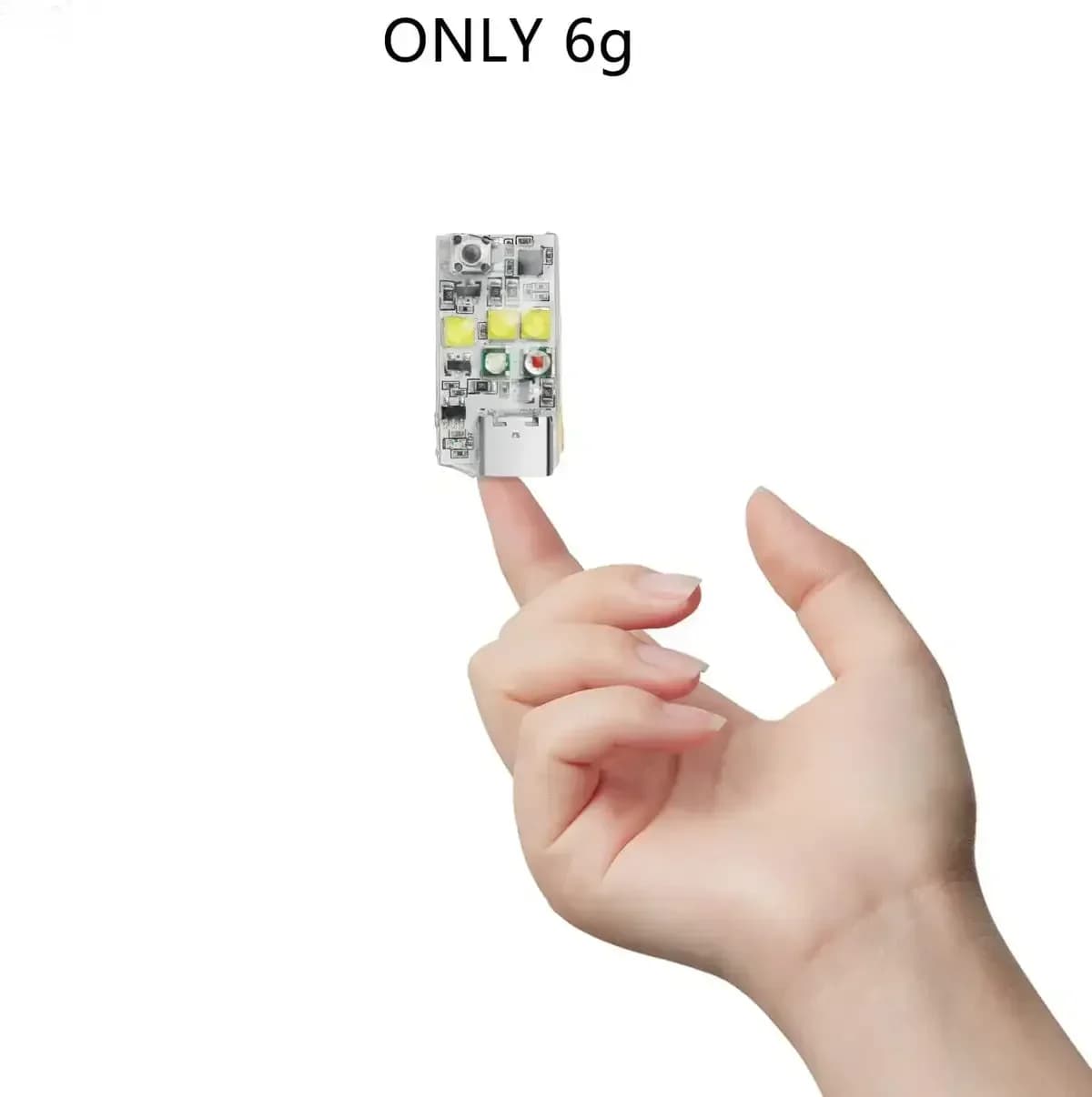
Only weighs 6g
VIFLY Strobe weighs only 6 grams that almost no impact to your drone's weight and flight time. To keep the Strobe as lightweight and powerful as possible, we use the 160mAh battery that can last at least 4 hours in strobe mode on a single charge.
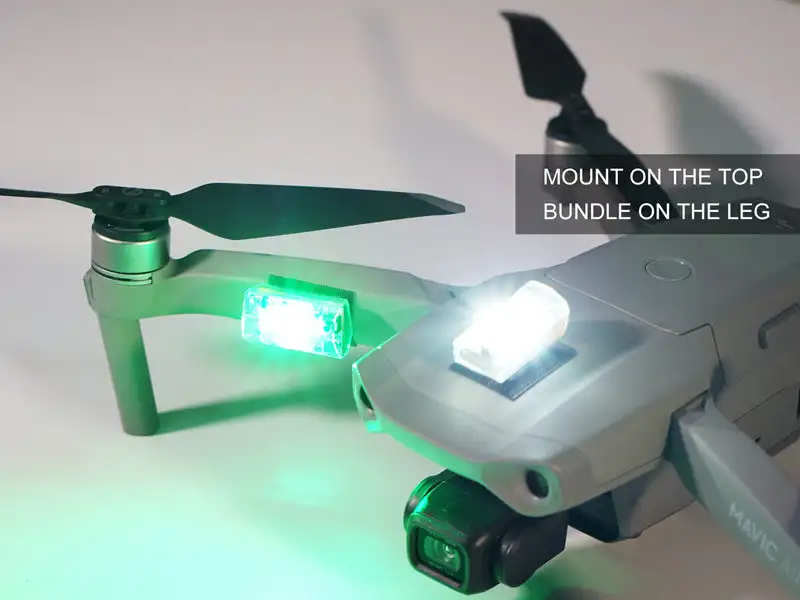
Easy Installation
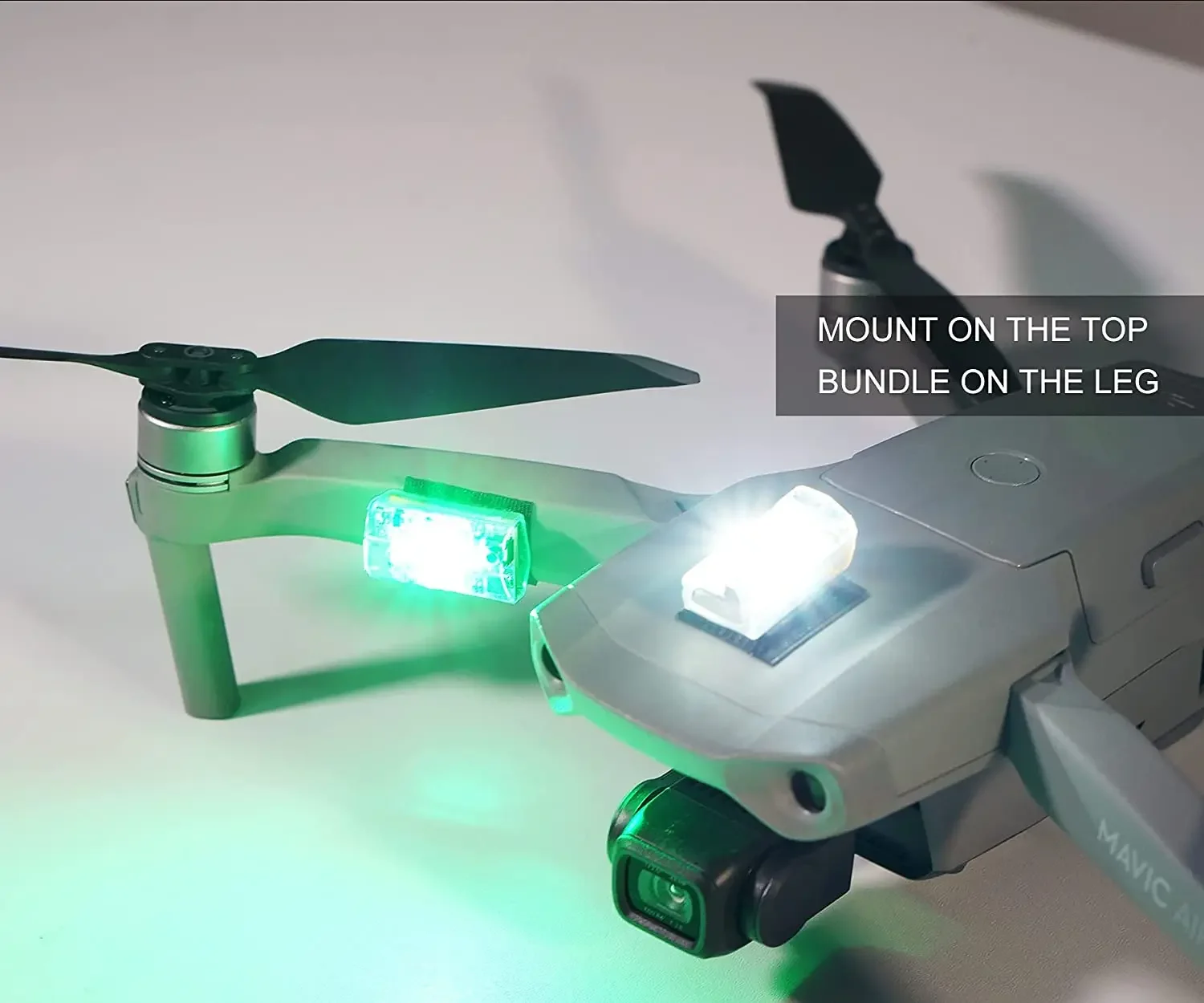
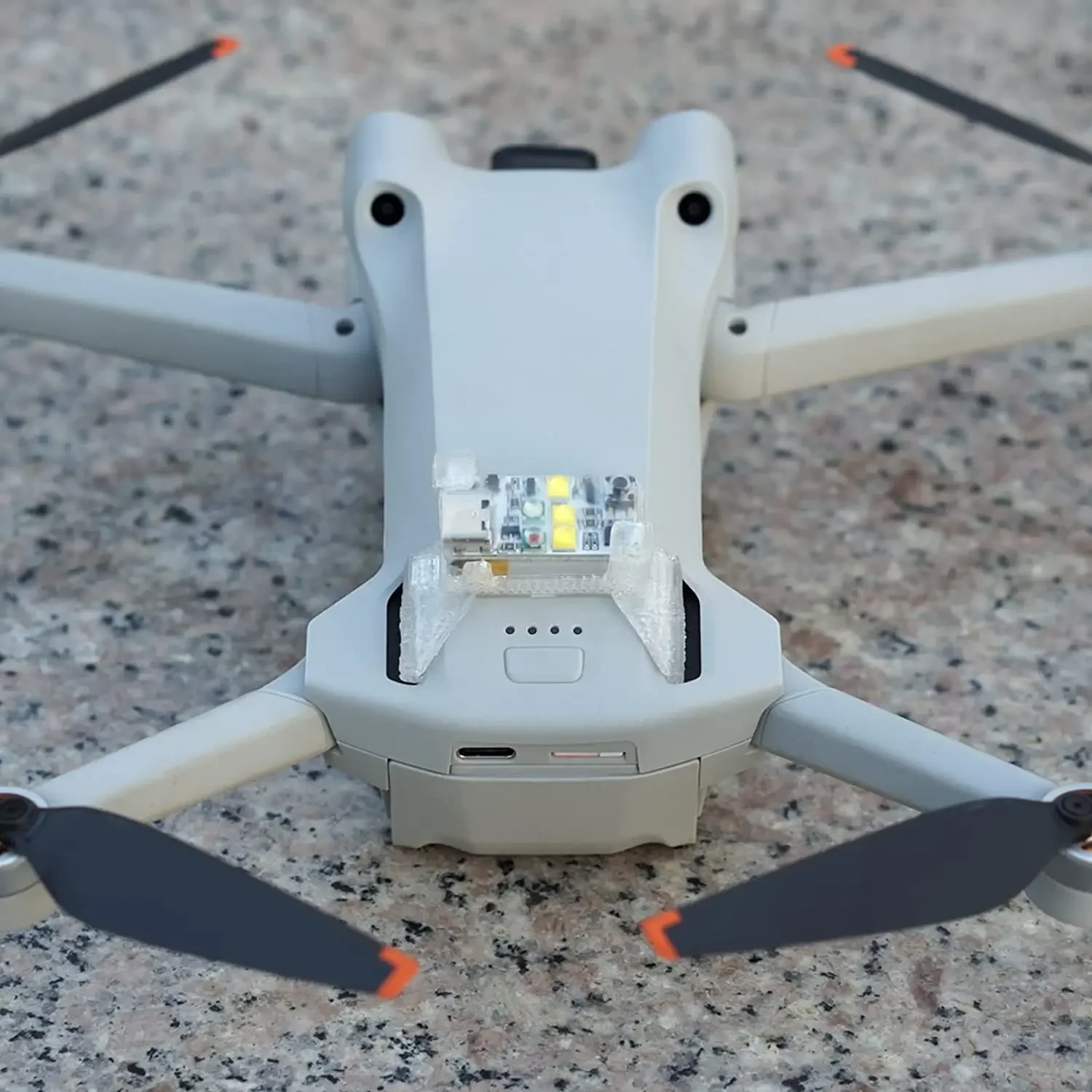
Due to the tiny size and light weight, you can easily install VIFLY strobe on your drones like mounting it on the top/bottom or bundling it at the leg with the 3M dual lock in the package.
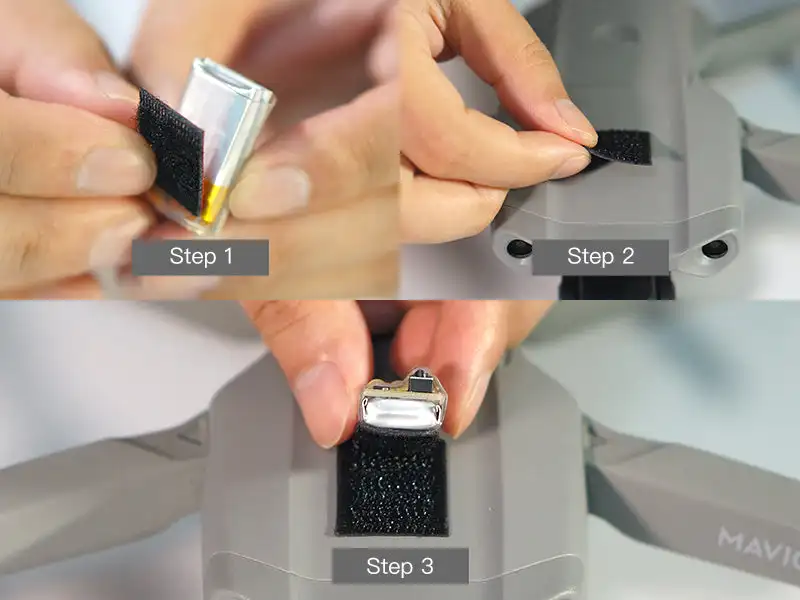
Installation Steps
Step 1: Stick one 3M dual lock on the strobe light
Step 2: Stick the other 3M dual lock on the drone
Step 3: Install VIFLY drone strobe light on the drone

1.Micro USB
2.Green LED
3.Red LED
4.White LED
5.Button
Power ON/OFF
Long press the button for 1 second or above to turn on/off the Strobe.
Mode Switch
Default mode is White LED Strobe after turning it on, then short press the button to change the mode:
White LED Strobe (default mode) → White LED Flash → White LED Solid → Red LED Strobe → Red LED Flash → Red LED Solid→ Green LED Strobe → Green LED Flash → Green LED Solid → All LEDs Strobe
VIFLY Strobe can remember your last mode setting, no need to set it again for next time flight.
Charging
Micro USB charging, the small red indicator will be on when charging, it will be off when fully charged.
|
Weight |
6g |
|
Working Time |
4 hours |
|
LEDs |
3pcs White / 1pc Red / 1pc Green |
|
Visibility |
3+ Miles |
|
Charging Voltage |
4.5-5.5V |
|
Charging Port |
Micro USB |
|
Charging Time |
1.5 Hours |